
Coastal and Seascape Photography: Tides, Waves, and Marine Weather
Use wave height, period, direction, fog, and wind to plan stronger seascape shoots and build coastal weather rules that match the shoreline you photograph.
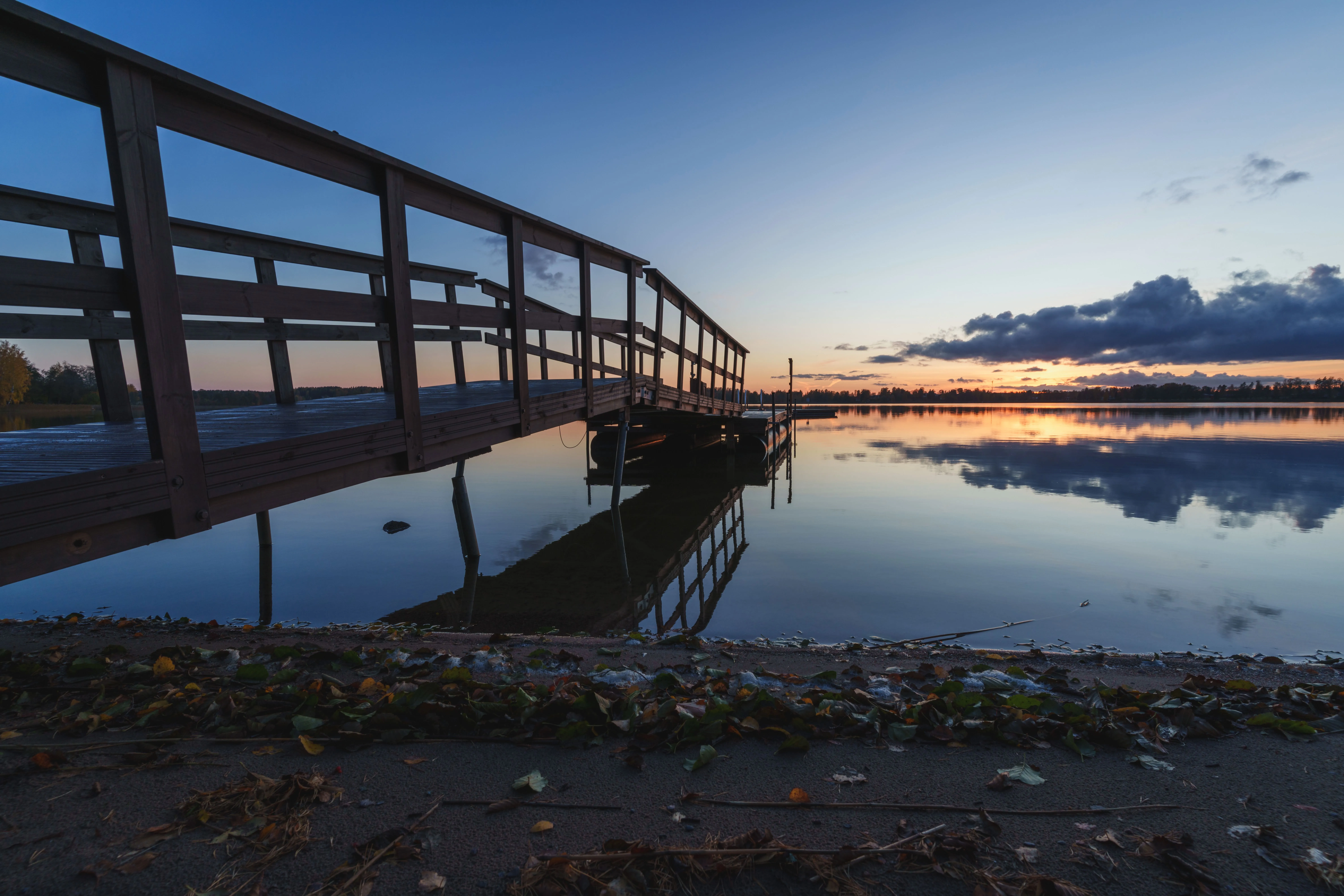
Coastal and Seascape Photography: Tides, Waves, and Marine Weather
Coastal photography punishes vague planning.
A forecast that simply says “windy” or “cloudy” does not tell you whether the sea will look clean or messy, whether a headland will be taking direct wave impact, whether the fog will stay banked offshore, or whether sea spray will flatten the whole scene into grey haze.
That is why marine data matters.
If you photograph beaches, sea stacks, harbors, cliffs, tidal flats, or lighthouses, the useful question is rarely just “What is the weather doing?” It is “What is the water doing, and how is the air interacting with it?”
In PhotoWeather, coastal locations on Pro get a dedicated Marine & Ocean field group in the chart and rule builder. That includes:
- Significant Wave Height
- Primary Swell Height
- Wind Wave Height
- Wind Wave Period
- Wind Wave Direction
- Primary Wave Direction
- Coastal Drama Score
These marine fields are available for locations near the coast, not inland. In the current codebase, they are surfaced for locations within roughly 50 km of the coastline.
This guide explains what those fields mean in practice, when they matter, and how to turn them into rules that actually help you decide whether to pack the camera.
Why marine data changes coastal planning
On the coast, two scenes can happen under the same general weather forecast:
- one beach is taking clean, well-spaced swell with bright spray
- another bay is sheltered and nearly flat
- one headland is buried in marine haze
- another is suddenly clear in offshore wind
- one cove is wrapped in low cloud all morning
- another is already opening to sun
Marine data helps you separate those situations.
For photographers, that usually means three things:
- Knowing the character of the sea — calm, choppy, organized, powerful
- Knowing how wind changes the shoreline — clean faces, messy surf, spray, haze, or sudden clearing
- Knowing whether the atmosphere above the sea is adding mood or killing clarity
That is much closer to a real shooting decision than a generic weather icon.
The marine fields that matter most
PhotoWeather exposes the wave forecast as individual fields, which is useful because “big sea” and “photogenic sea” are not always the same thing.
Significant Wave Height: your first read on the sea state
If you only check one marine field, start here.
Significant Wave Height is the combined height of the main sea state: swell plus locally generated wind waves. In practical terms, it tells you how much energy the coast is dealing with overall.
A simple working guide:
| Significant Wave Height | What it often looks like | Photography use |
|---|---|---|
| 0-0.5 m | Very calm or nearly flat | Minimalist long exposures, quiet coves, tide pools |
| 0.5-1.0 m | Gentle wave action | Serene shorelines, layered foam, quieter compositions |
| 1.0-2.0 m | Moderate, reliable wave movement | General seascapes, wave motion, shoreline texture |
| 2.0-3.0 m | Energetic conditions | Strong breaks, whitewater, dramatic coastal scenes |
| 3.0 m+ | Powerful to hazardous | Explosive surf and storm drama from safe positions only |
In the field registry, PhotoWeather treats above 2 m as the point where conditions often become genuinely dramatic for seascape work. That matches real-world use pretty well.
Primary Swell Height: how much clean energy is arriving
Primary Swell Height matters because swell is usually what makes waves look organized rather than random.
Swell is the longer-travelled energy arriving from distant weather systems. When swell is doing most of the work, you tend to get cleaner sets, more readable timing, and better-looking breaks around reefs, points, and rocky shores.
A useful pattern to watch is this:
- higher swell height + lower wind wave height = cleaner, more elegant wave shape
- similar swell and wind-wave heights = rougher, busier surface
- low swell + high wind-wave height = local chop, messy water, lots of texture but less grace
If you like classic wave form, long exposures around rocks, or well-timed breakers around sea stacks, swell is often more important than raw total height.
Wind Wave Height: is the sea clean or chopped up?
Wind Wave Height tells you how much of the surface texture is being generated locally by current wind.
This is one of the most useful coastal photography fields because it helps answer a simple question:
Is the sea going to look clean, or is it going to look busy?
Higher wind-wave values usually mean:
- more chop
- more random whitewater
- more spray
- less elegant wave shape
- more work for long-exposure compositions
That is not automatically bad. If you want violent, stormy, spray-filled frames, elevated wind-wave height can be exactly what you want. But if you want controlled wave form or reflective wet foregrounds, it often works against you.
Wind Wave Period: how hurried the water feels
In PhotoWeather, the period field exposed to users is Wind Wave Period.
For photographers, period is really about rhythm.
- short period means frequent, choppy, restless action
- longer period means more separation between wave crests and a more organized feel
A practical guide:
| Wind Wave Period | What it often feels like |
|---|---|
| 2-4 s | Fast, choppy, busy water |
| 5-8 s | Moderate rhythm, more usable structure |
| 8 s+ | Cleaner, more organized wave action |
| 12 s+ | Strongly organized sets, often where the coast starts to feel serious |
This matters for timing.
If the period is short, the sea can feel relentless. That can be good for abstract motion or storm texture, but harder for clean, isolated peak moments. Longer periods usually give you more readable sets and more time to work between impacts.
Wave direction: which coasts will actually fire
PhotoWeather exposes two directional marine fields:
- Primary Wave Direction
- Wind Wave Direction
These directions use the usual meteorological convention: they tell you where the waves are coming from.
That matters because wave height alone is incomplete. A 2-meter sea can be spectacular on one shoreline and underwhelming on another if the coast is sheltered from that direction.
Use direction to think in terms of coast orientation:
- a west-facing coast comes alive in a westerly wave setup
- a sheltered east-facing bay may stay relatively calm during the same forecast
- an oblique angle often gives better visible wave shape than a perfectly head-on impact
If you know your coastline well, direction becomes one of the most powerful planning tools in the app.
When wave conditions matter most
Not every coastal composition needs marine data to the same degree.
It matters a lot when you are photographing:
- wave impact on cliffs, sea stacks, piers, and headlands
- breaking surf on reefs or points
- long exposures where you want structure rather than chaos
- backlit spray at sunrise or sunset
- wet-sand foregrounds that depend on wave timing
- stormy coastal conditions where safety and timing both matter
It matters less when you are photographing:
- intimate details well above the waterline
- dunes, lighthouses, or cliffs where the sea is background only
- sheltered harbors with little open-water exposure
- calm inlets where local wind matters more than offshore swell
The mistake many photographers make is treating all coastal scenes as “wave scenes.” Often the water is only half the picture. The other half is the marine layer, visibility, and wind direction.
Coastal fog and the marine layer
Coastal fog behaves differently from inland dawn fog.
Inland fog often depends on overnight cooling and calm conditions. Coastal fog is more often about moist air moving over colder water or staying trapped in a shallow marine layer.
That changes how you should read the forecast.
The fields to watch for coastal fog
Even though PhotoWeather’s marine forecast focuses on waves, the regular weather fields are still essential for marine-layer work:
- Low Cloud Cover
- Visibility
- Dewpoint Spread
- Wind Speed
- Wind Direction
- Sunshine Duration
A common marine-layer pattern looks like this:
- low cloud cover stays high
- visibility drops into the foggy or hazy range
- dewpoint spread tightens
- wind is not calm, but also not too strong
- onshore flow keeps feeding moisture inland
That last point matters. Coastal fog often survives with more wind than classic inland radiation fog.
What the marine layer tends to do during a shoot
Marine layers often behave in one of three ways:
- It stays banked on the coast
- good for moody cliffs, distant subjects fading in and out, and filtered light
- It pushes inland, then thins
- good for layered scenes where foreground detail emerges before the horizon clears
- It burns back offshore
- often the best case for dramatic transitions, especially when low cloud lingers but sunlight starts to break through
For photography, that transition can be more interesting than either full fog or full clearing.
If low cloud remains but sunshine begins to return, you often get soft shafts of light, bright edges in the cloud deck, and more depth than a fully clear afternoon would give you.
Sea spray, marine haze, and distant clarity
Coastal photographers usually think about spray when it hits the lens, but spray also matters when it stays in the air.
Strong wave action and onshore wind can load the coastline with salt aerosols. In PhotoWeather, that shows up through Sea Salt AOD, a field that helps explain why a coast sometimes looks luminous and atmospheric, and other times simply dull and washed out.
A simple working guide:
- low Sea Salt AOD: clearer distant detail, better contrast
- moderate Sea Salt AOD: gentle atmospheric depth, often attractive in seascapes
- higher Sea Salt AOD: flatter contrast, softer horizons, more washed-out distance
This is one of the more overlooked coastal planning tools in the app.
If you are shooting distant cliffs, islands, or layered headlands, Visibility and Sea Salt AOD together often tell a more useful story than cloud cover alone.
Sea spray in practical terms
For field work, rising spray usually means at least one of these is happening:
- wave height is meaningful
- local wind-wave height is elevated
- gusts are strong
- wind is interacting with the incoming wave direction in a favorable way for plume and backspray
That can create brilliant light if the sun is low and the coast is catching backlit spray. It can also destroy contrast and cover your front element every thirty seconds.
The forecast helps you choose which kind of outing it will be.
Wind direction changes the whole coastline
This is one of the biggest advantages of combining marine and standard weather fields.
On the coast, wind speed matters, but wind direction often matters more.
Offshore wind
Offshore wind blows from land toward sea.
For photographers, it often means:
- cleaner wave faces
- less local chop near shore
- better shape in breaking waves
- less sea spray blowing inland
- better distant clarity
This is often the most attractive setup when there is already enough swell in the water.
Onshore wind
Onshore wind blows from sea toward land.
It often means:
- more chop
- more airborne spray
- more marine haze
- messier surf, especially on open beaches
- better raw drama, but less clean structure
Onshore wind can be excellent if your goal is violence, texture, or storm atmosphere. It is less ideal if you want crisp wave form or clear distant layers.
Cross-shore wind
Cross-shore wind sits somewhere between those two.
It can be very useful for side-lit spray, textured water, and diagonal motion through the frame. A lot depends on the coastline and where the sun is.
One useful detail from the codebase
PhotoWeather’s Coastal Drama Score explicitly rewards situations where wind opposes the dominant wave direction, because that can create cleaner shape and more dramatic spray. It also uses wave height, swell, cloud structure, visibility, sea-salt haze, and solar angle to judge whether the coast is likely to look genuinely dramatic rather than merely rough.
That is a good example of what marine-aware forecasting should do: not just tell you the sea is big, but whether it is likely to photograph well.
A practical way to read coastal conditions in PhotoWeather
If you are planning a seascape shoot, this is a simple order to follow.
1. Check whether your location has marine fields
If your location is coastal enough, you will see the Marine & Ocean group in the chart and rule builder.
2. Start with three marine fields
For most shoots, begin with:
- Significant Wave Height
- Primary Swell Height
- Wind Wave Height
That quickly tells you whether the sea is calm, clean, or chaotic.
3. Add period and direction
Then check:
- Wind Wave Period
- Primary Wave Direction
- Wind Direction
That tells you whether the coast is likely to feel organized, rushed, offshore-clean, or onshore-messy.
4. Add atmosphere
Finish with:
- Low Cloud Cover
- Visibility
- Sea Salt AOD
- Sunshine Duration
That tells you whether the coast will be clear, moody, luminous, or just flat.
If you want a shortcut, Coastal Drama Score is the fastest single summary. In the current field registry, its default starting point is 70+, and the public Dramatic Seascapes template uses 75+ plus wave height, visibility, gust, and rain filters.
Sample PhotoWeather rules for seascape photographers
These are written in the same terms you see in the app.
1. Clean swell for sea stacks and rocky points
Best when you want organized water rather than chaos.
- Primary Swell Height ≥ 1.5 m
- Wind Wave Height ≤ 0.7 m
- Wind Wave Period ≥ 8 s
- Wind Speed ≤ 8 m/s
- Time Window: sunrise-60m to sunrise+90m
Why it works: enough swell for shape, low enough local chop for cleaner lines, and low-angle light for texture.
2. Dramatic coastal conditions without full storm-chasing chaos
A good all-purpose rule for exposed coasts.
- Coastal Drama Score ≥ 75
- Significant Wave Height ≥ 1.5 m
- Visibility ≥ 5000 m
- Wind Gusts ≤ 22 m/s
- Precipitation Probability ≤ 30%
This is very close to PhotoWeather’s built-in Dramatic Seascapes template.
3. Marine-layer morning for moody coastlines
For cliffs, distant headlands, piers, and soft low-cloud atmosphere.
- Low Cloud Cover ≥ 70%
- Visibility between 1000 m and 8000 m
- Dewpoint Spread ≤ 2°C
- Wind Speed between 2 and 8 m/s
- Time Window: sunrise-90m to sunrise+120m
Then adapt Wind Direction to your coastline. If your favorite coast needs onshore flow to fill with fog, add that.
4. Clear coast after a windy spell
For distant detail, cleaner color, and less marine murk.
- Visibility ≥ 15000 m
- Sea Salt AOD ≤ 0.05
- Wind Direction set to your local offshore sector
- Wind Speed between 3 and 10 m/s
- Cloud Cover between 20% and 70%
This is a good rule for lighthouse views, headland layers, and telephoto coastal landscapes.
5. Violent surf for safe elevated viewpoints
For photographers who want impact and spray, not delicate long exposures.
- Significant Wave Height ≥ 2.5 m
- Wind Wave Height ≥ 1.0 m
- Wind Gusts between 10 and 20 m/s
- Visibility ≥ 4000 m
- Time Window: golden hour or blue hour
Use this from safe, elevated positions only. Big seas are photogenic right up to the point where they are not worth the risk.
Tides: the important thing PhotoWeather does not currently provide
For seascapes, tides matter.
They affect:
- foreground access
- whether rocks are exposed or submerged
- where foam lines form
- whether reflections appear on wet sand
- how waves hit a reef, shelf, or sea wall
But in the current product surface, PhotoWeather does not expose tide tables as a built-in field.
So the practical workflow is:
- use PhotoWeather for wave, wind, marine haze, cloud, and timing
- use a separate tide source for water level and access
- combine both before making the final go/no-go decision
That is not a limitation unique to PhotoWeather. It is just the reality that tides and marine weather are related, but not interchangeable.
A simple coastal workflow that works
If you are new to marine-aware planning, do not try to build the perfect rule on day one.
Start with one shoreline and one kind of shot.
For example:
- a west-facing beach at sunset
- a lighthouse on a stormy headland
- a harbor wall that needs offshore wind for clean spray
- a fog-prone cove that works when low cloud hangs in but visibility stays usable
Then build around the few fields that matter most for that shot.
Good first combinations
For clean long exposures
- Primary Swell Height
- Wind Wave Height
- Wind Speed
For explosive surf
- Significant Wave Height
- Wind Gusts
- Coastal Drama Score
For coastal fog
- Low Cloud Cover
- Visibility
- Dewpoint Spread
- Wind Direction
For crisp distant coastal layers
- Visibility
- Sea Salt AOD
- Wind Direction
That is enough to get useful alerts without turning the rule into a science project.
Final thought
Coastal photography gets better when you stop treating the sea as background.
Wave height changes the energy of the frame. Period changes the rhythm. Direction changes which coast works. Wind decides whether the scene turns clean, spray-filled, or hazy. Low cloud and visibility decide whether the coast feels open, layered, or sealed off.
Once you start reading those pieces together, the shoreline becomes much easier to predict.
If you want a simple place to begin in PhotoWeather, start with Dramatic Seascapes or build one rule around Significant Wave Height, Primary Swell Height, and Wind Wave Height for your favorite coastal location. After a few outings, you will know very quickly whether you need cleaner water, bigger surf, more fog, or less haze.